Producer MapChord
Explore chord progressions, try variations, and drag them into your DAW as MIDI.
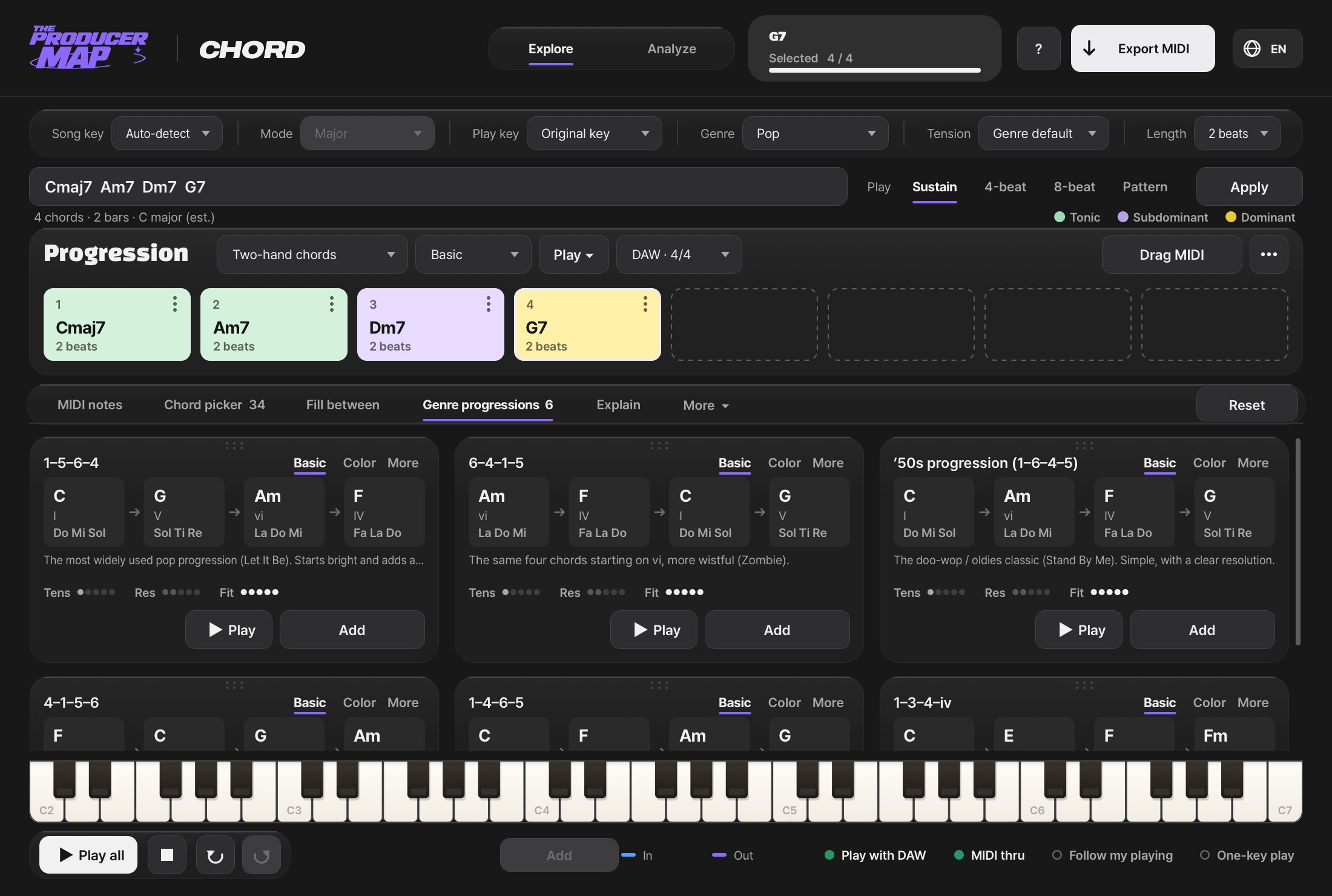
Pick a progression, change it,
drop it on a track.
Plugins
When to use it
Progressions that are actually common in each genre, suggested as cards
Reshape progressions with Reharmony Lab and Chord Morph and listen as you go
Drag the progression straight onto a track
How it works
Three steps
- Step 1
Load it on a MIDI track
- Step 2
Pick and reshape
- Step 3
Drag to a track
Compatibility
Right in the DAW you already use
Available as VST3 and AU, with ARA for Lyrics and Stacks. Universal for Apple Silicon and Intel.
 Ableton LiveVST3 · AU
 Logic ProAU
 Studio One · Studio ProVST3 · AU · ARA
 FL StudioVST3 · AU
 CubaseVST3 · ARA
 NuendoVST3 · ARA
 ReaperVST3 · AU · ARA
 Bitwig StudioVST3
 ReasonVST3
In DAWs with ARA, the ARA versions of Lyrics and Stacks read track audio directly; in DAWs without ARA, like Ableton, use the standard versions. In Logic, Chord and Producer Bot go in the MIDI FX slot.
Start with the free five
Enter your email and download the macOS dmg.
FAQ
Short answers to common questions.
Is it free? What does it cost?
How do I get the free plugins?
Which computers and DAWs are supported?
Do I need AI?
Can I use the MIDI and audio I make in my songs?
Can I get a refund?
Anything else, send us an email. support@producermap.com
More plugins
Plugins that work well alongside

One chat inside your DAW that writes and shapes chord, drum, bass and keys MIDI, then puts it on the track.
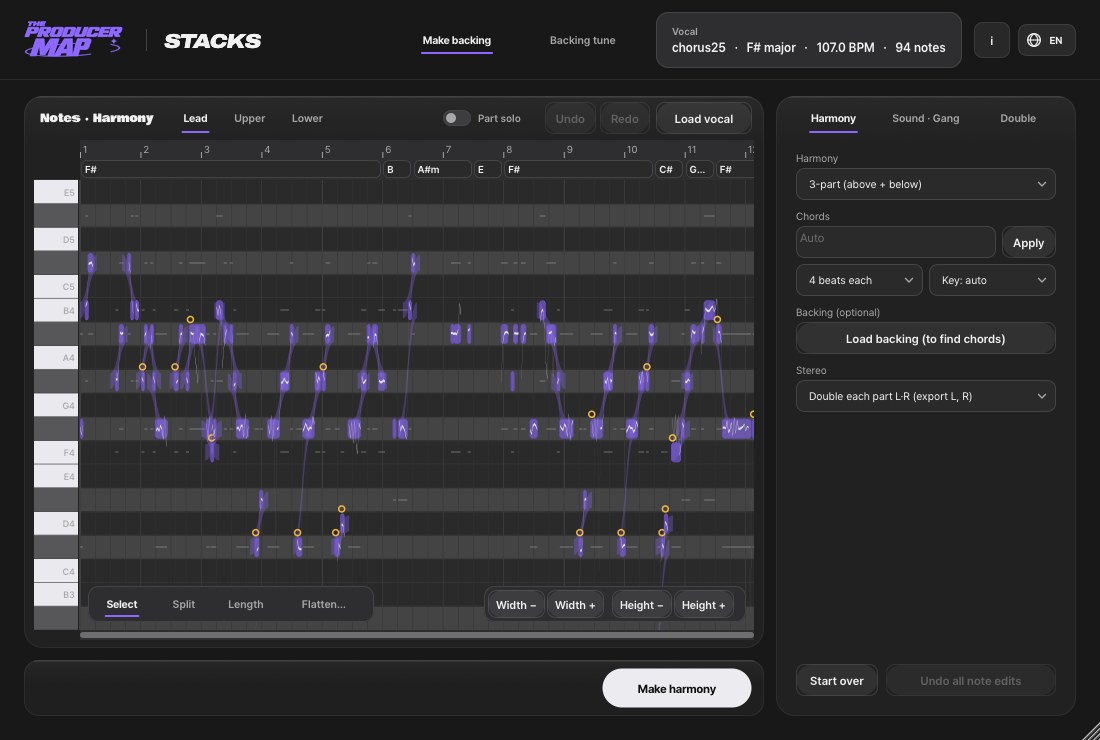
Harmonies, doubles and gang vocals from one vocal track.
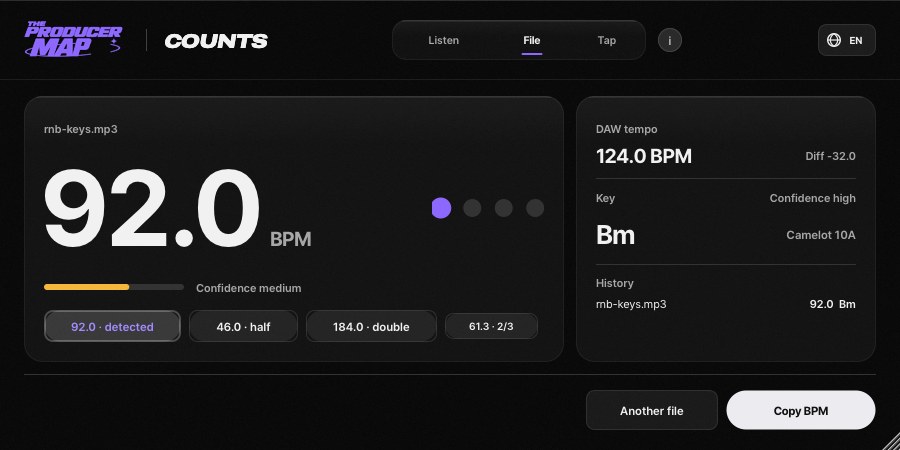
Find the BPM and key of your tracks with audio analysis and tap tempo.