DAW plugins made
by a working producer
Writing, stacking vocals, finishing the mix. Eight tools I use every day, inside your DAW.
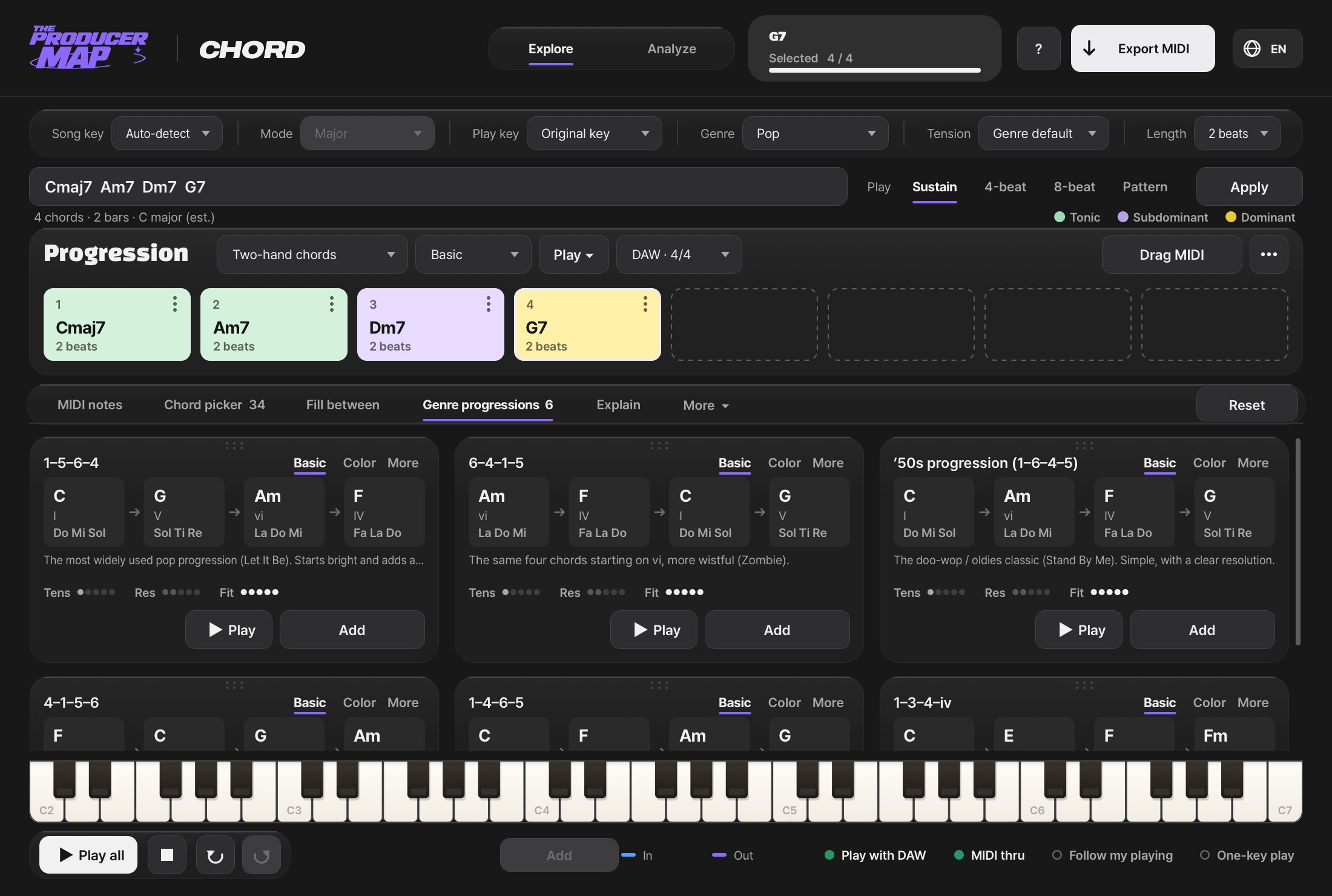
Actual screens
This is how it looks in your DAW
Every image is the real plugin. Use the tabs to flip through all eight.
Finish the track without leaving the DAW
Producer Map is a set of plugins, one for each step of making a track. Pick a progression (Chord), write drum, bass and keys MIDI by chat (Producer Bot), record with your lyrics on screen (Lyrics), shape the vocal tone (Tone), stack harmonies and doubles (Stacks), compare your mix with references (Listen), find the BPM and key (Counts), and keep track of time and saving (Times). No exporting and re-importing: everything runs right on the track.
Why
For every spot where the session stalls
When the progression won't come, when a take stops because you're looking for the lyric sheet, when you re-sing every harmony, when you can't tell what separates your mix from the reference. I built each plugin to cut one of those moments I hit every day as a working producer. So the workflow comes first, then the features.
Plugins
One for every step of the track
Five are free. Three are coming soon.
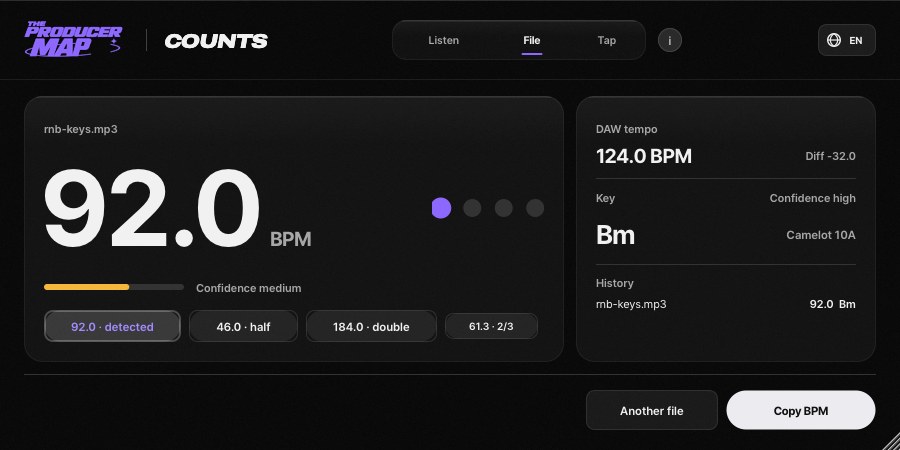
Find the BPM and key of your tracks with audio analysis and tap tempo.
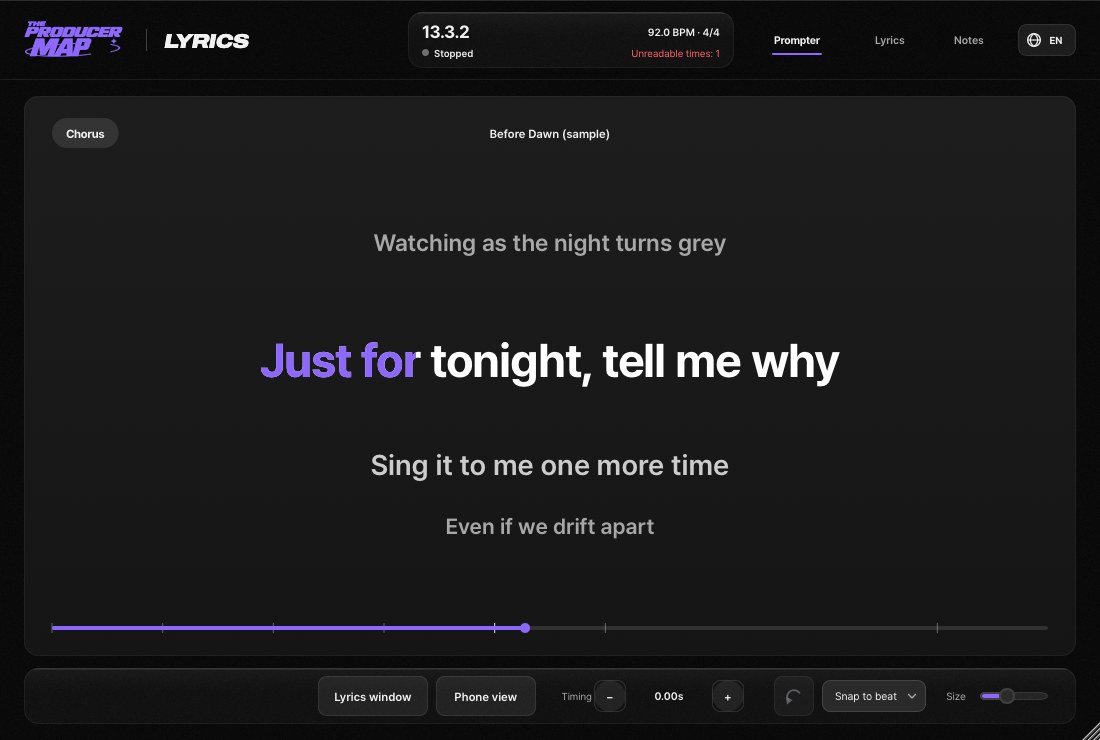
Display lyrics in sync with your DAW for smoother vocal recording sessions.
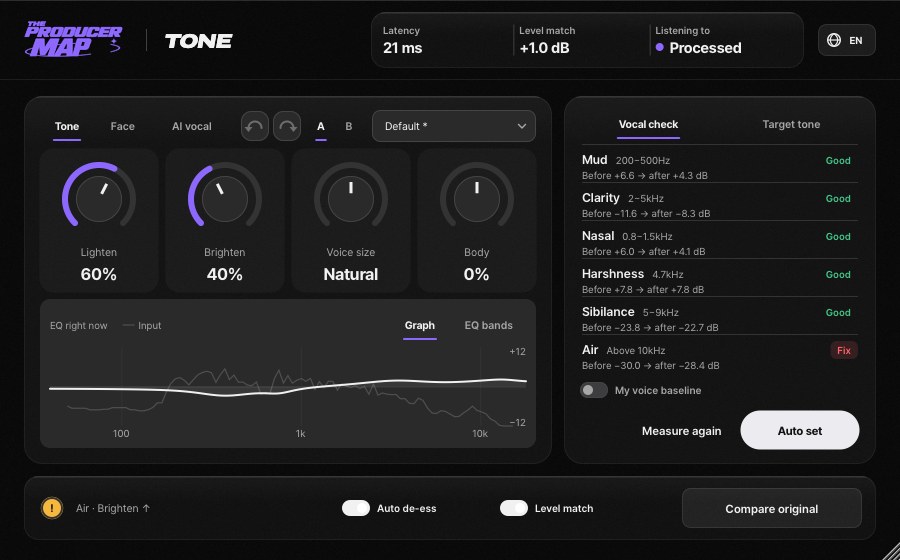
Make your vocal lighter, brighter, or fuller, shift the formant, and see what to fix at a glance.
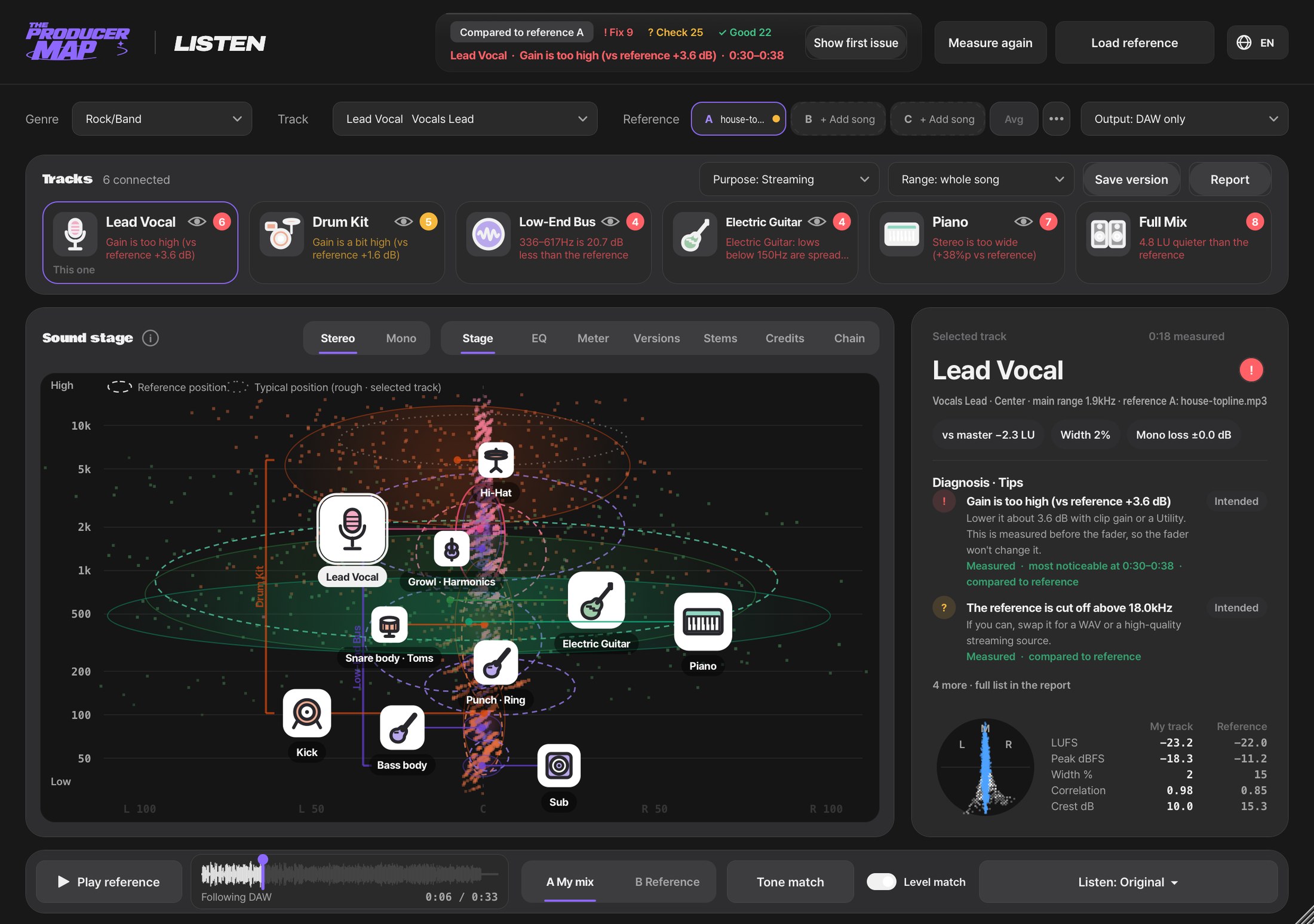
Compare your mix with reference tracks and find what needs improvement.
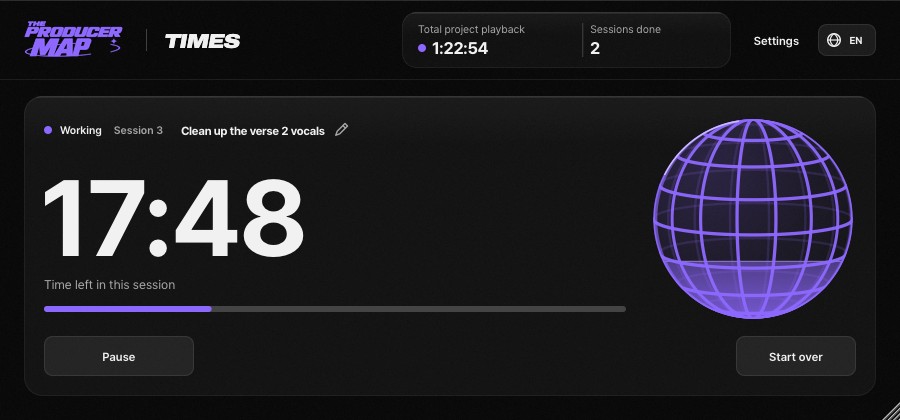
Stay focused in your DAW with a work timer, break reminders and save reminders.
Explore chord progressions, try variations, and drag them into your DAW as MIDI.
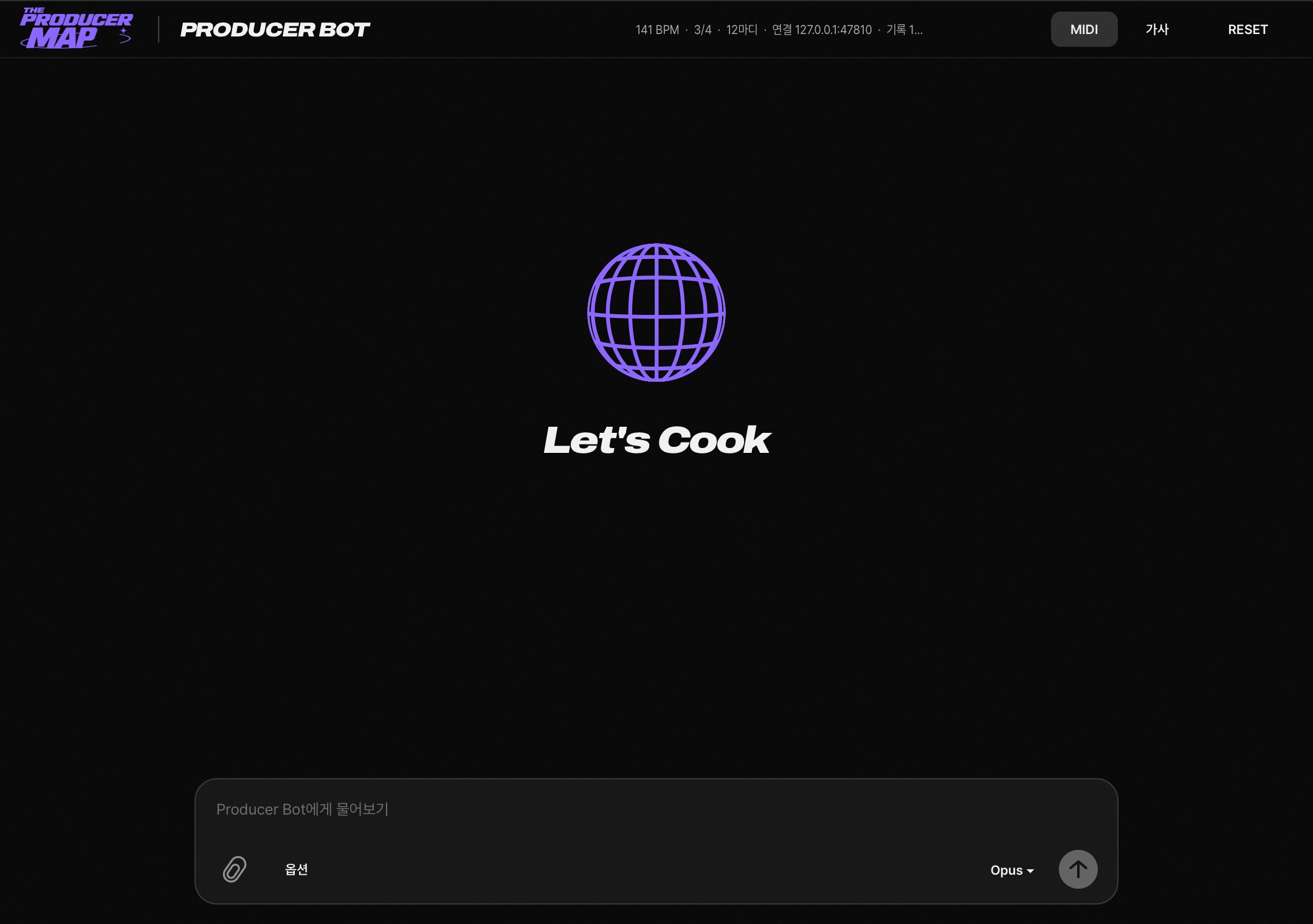
One chat inside your DAW that writes and shapes chord, drum, bass and keys MIDI, then puts it on the track.
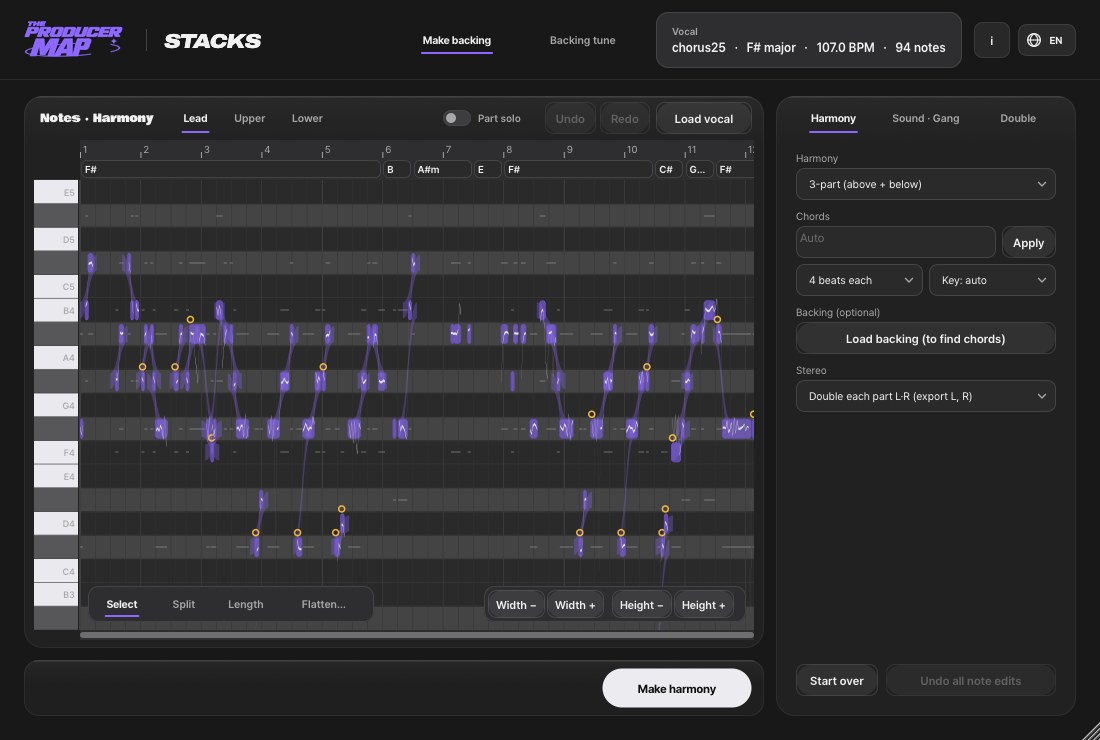
Harmonies, doubles and gang vocals from one vocal track.
How it works
Get it, install it, load it on a track
Enter your email on Polar and download. Open the dmg and install. Reopen your DAW, find Producer Map in the plugin list and load it on a track.
- Step 1
Press a get button and enter your email to download the installer.
- Step 2
Install, then reopen your DAW.
- Step 3
Load it on a track and start working.
Compatibility
Right in the DAW you already use
Available as VST3 and AU, with ARA for Lyrics and Stacks. Universal for Apple Silicon and Intel.
 Ableton LiveVST3 · AU
 Logic ProAU
 Studio One · Studio ProVST3 · AU · ARA
 FL StudioVST3 · AU
 CubaseVST3 · ARA
 NuendoVST3 · ARA
 ReaperVST3 · AU · ARA
 Bitwig StudioVST3
 ReasonVST3
In DAWs with ARA, the ARA versions of Lyrics and Stacks read track audio directly; in DAWs without ARA, like Ableton, use the standard versions. In Logic, Chord and Producer Bot go in the MIDI FX slot.
Comparison
Web tools vs. plugins inside the DAW
Web tools are great for quick sketches. Finishing a track is faster right on the track.
Web tools
- Export results and import them back into the DAW
- You have to tell it the song's tempo, chords and tracks
- Finished audio is hard to edit note by note
Producer Map
- Make it on the track and drag it in
- Reads the DAW's tempo, playhead and audio directly
- Get MIDI or per-part WAV and keep editing
Start with the free five
Enter your email and download the macOS dmg.
Pricing
Five are free. Three at launch prices.
free · macOS
Free 5
Enter your email and download right away.
Checkout and downloads run on Polar.
Coming soon · macOS
Pro 3
Bought separately $128.99
- Chord$44
$59 - Producer Bot$29.99
- Stacks$55
$69
The three for writing, arranging and vocals, together.
FAQ
Short answers to common questions.
Is it free? What does it cost?
How do I get the free plugins?
Which computers and DAWs are supported?
Do I need AI?
Can I use the MIDI and audio I make in my songs?
Can I get a refund?
Anything else, send us an email. support@producermap.com